
LOCAL WHISPER
Private on your machine
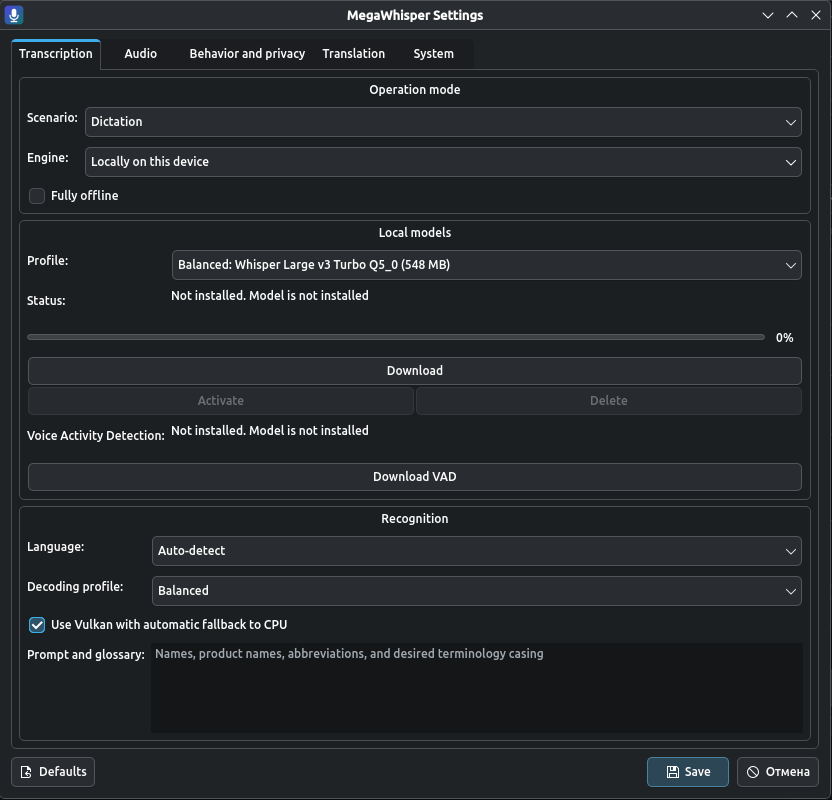
Verified GGML models run through whisper.cpp. Vulkan is used when available, with a controlled CPU fallback.
- Network
- Not required for transcription
- Audio
- Stays on the device
- Acceleration
- Vulkan / CPU
A voice tool for your desktop
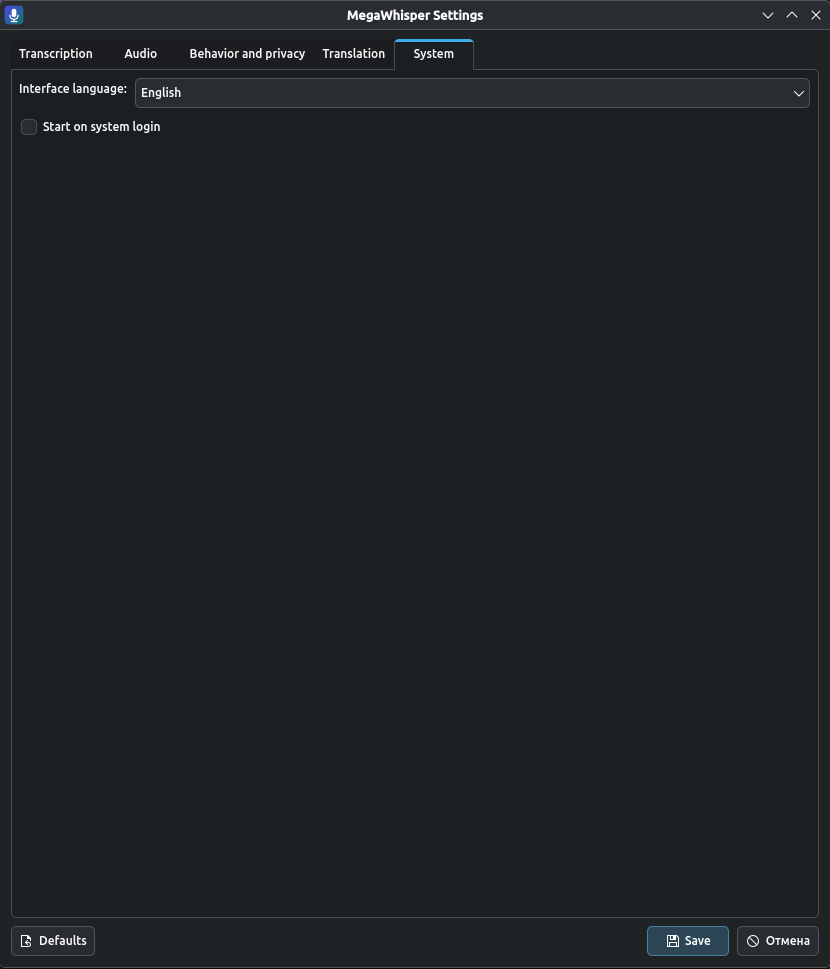
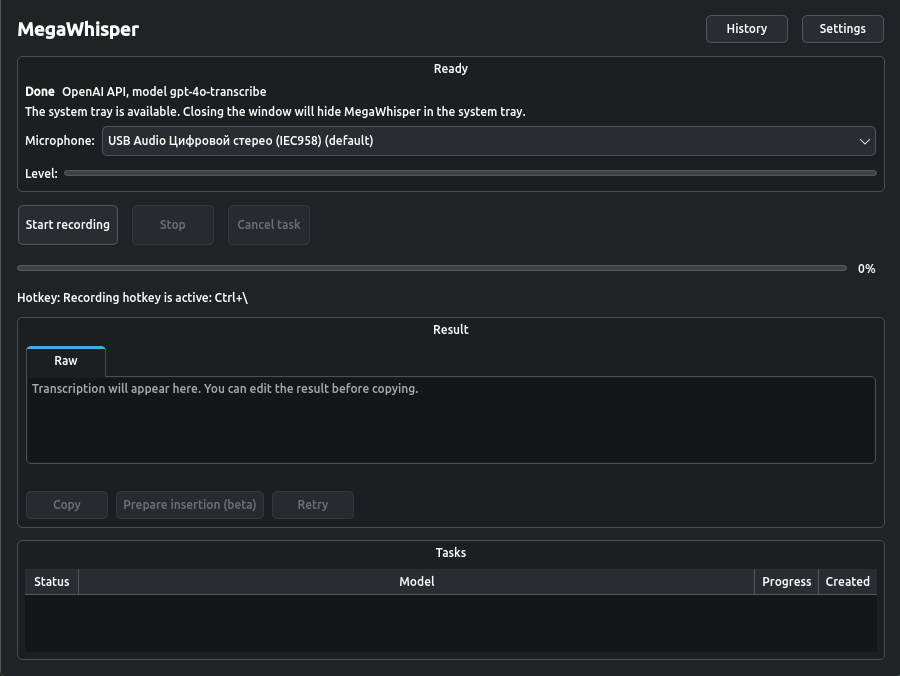
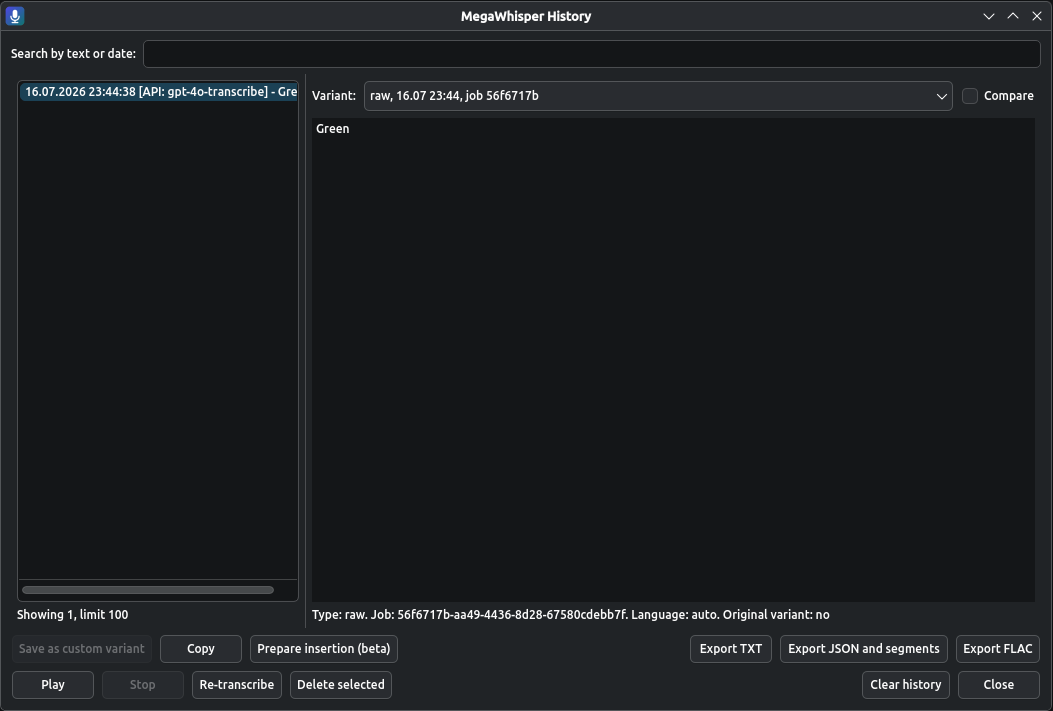
MegaWhisper turns speech into text on Linux. Work fully offline or connect an OpenAI-compatible server, then copy or insert the result using an explicit output mode.
01 / WORKFLOW
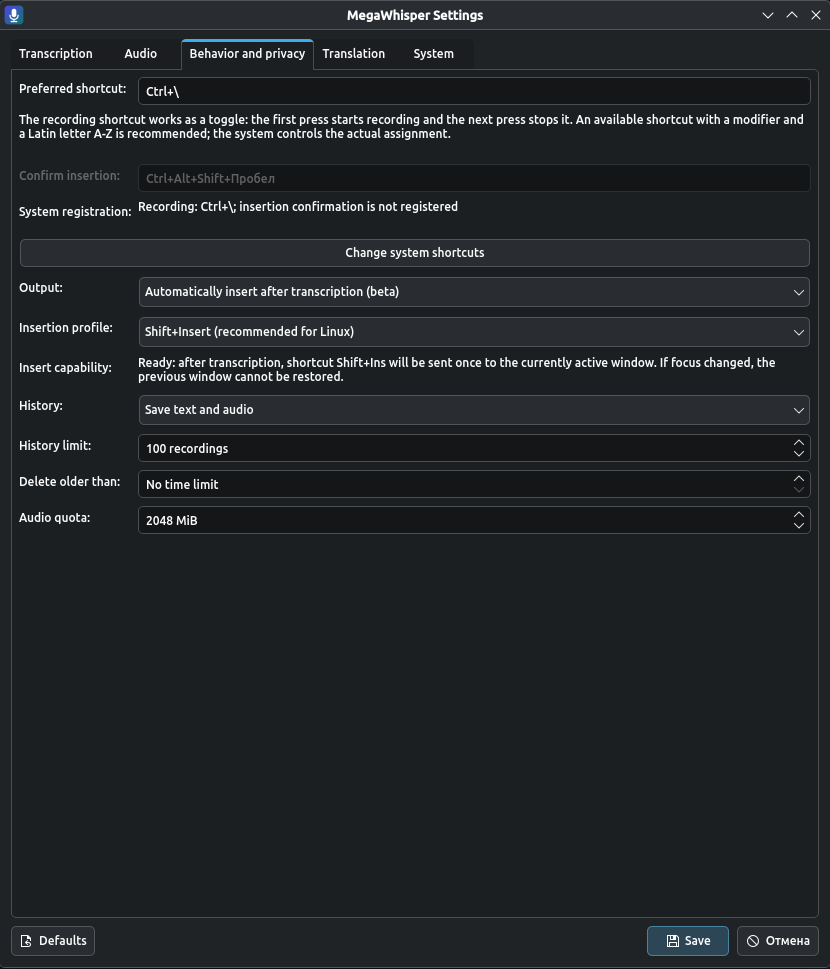
Choose a free shortcut with a Latin letter. The first press starts recording. The next press stops it and begins transcription.
PRESS
The Global Shortcuts portal registers the shortcut without root, the input group, or a privileged daemon.
RECORD
The icon gains its red indicator only after audio capture has actually started.
RESULT
The exact result reaches the clipboard first. Any additional insertion follows the output mode you selected.
02 / PROCESSING
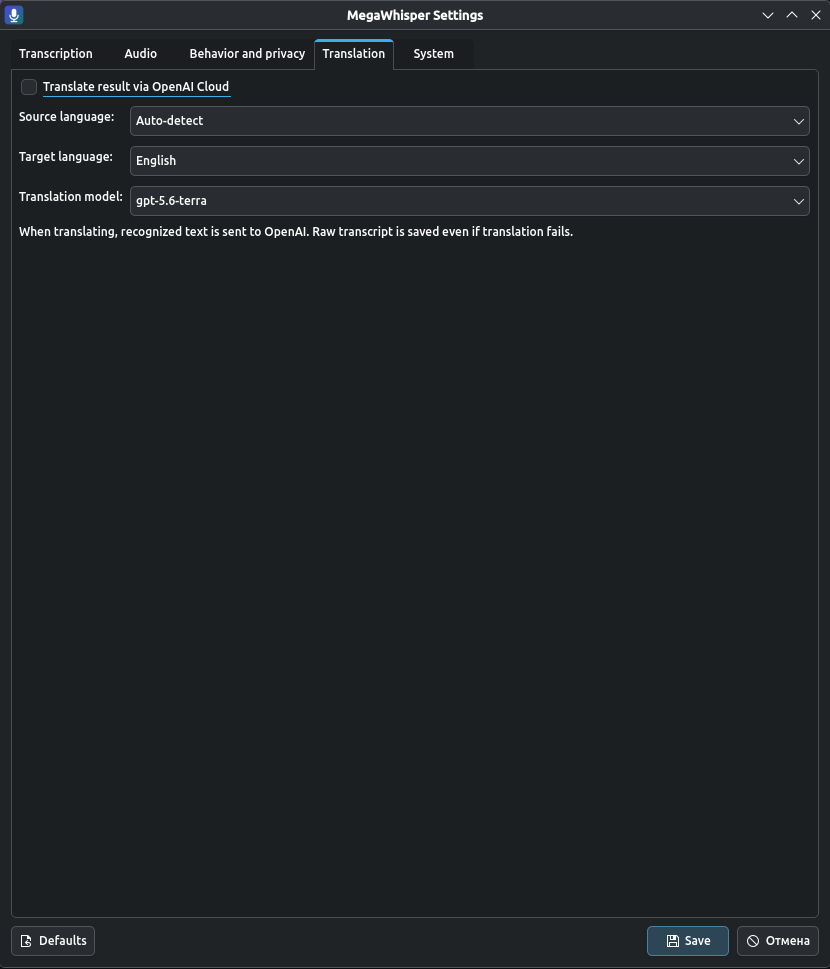
LOCAL WHISPER
Verified GGML models run through whisper.cpp. Vulkan is used when available, with a controlled CPU fallback.
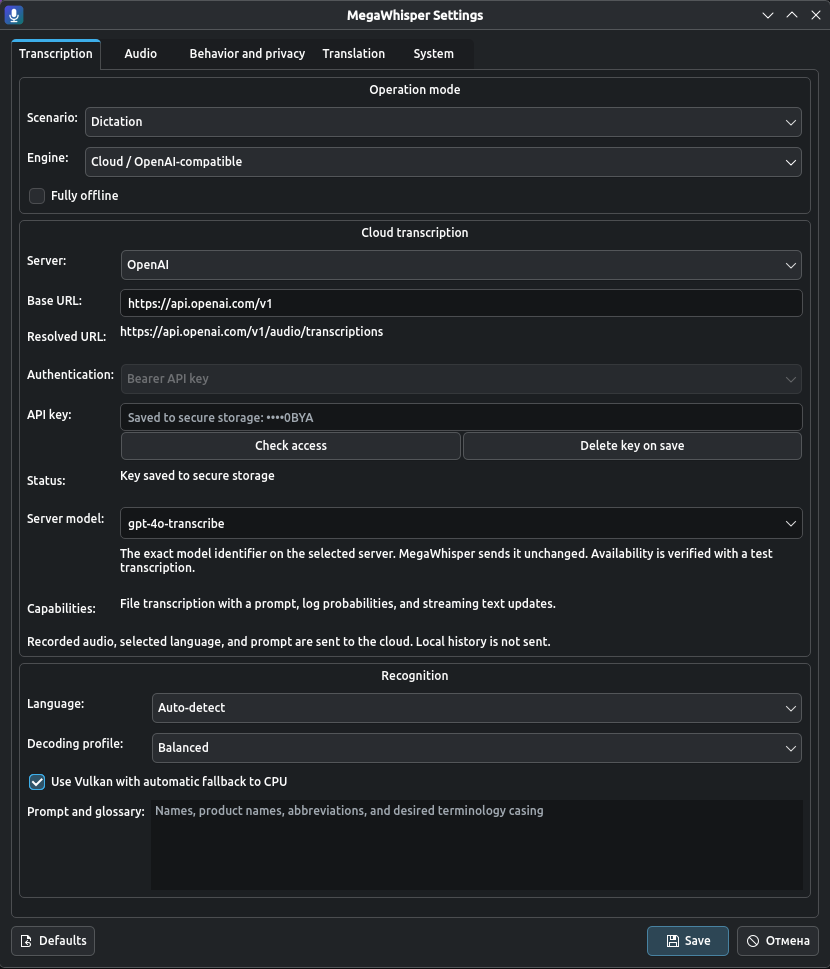
OPENAI-COMPATIBLE
Use built-in OpenAI or an HTTPS server with a compatible audio/transcriptions API. The configuration is verified before it becomes active.
03 / OUTPUT
MegaWhisper puts the exact text in the clipboard first. Choose the behavior that fits your desktop and workflow.
DEFAULT
No synthetic key press. Paste when and where you choose.
BETA
A second global shortcut confirms one insertion attempt in the active window.
BETA
One immediate attempt after transcription, with no delayed retry.
Recommended Linux profile. Actual compatibility depends on the desktop portal and target application.
04 / PRIVACY
In Local mode, no network transcription service receives the audio. In Cloud mode, the selected server is explicit and only the current job data is sent.
Read the behavior policySession, retained audio, or text-only with bounded retry audio for up to 10 minutes in the current session.
The secret is bound to the active endpoint origin.
This page sends no telemetry.
06 / INSTALL
One signed channel for traditional and immutable Linux systems with a compatible desktop portal. AppImage remains available as a portable alternative.
Download the signed flatpakref or install it directly from the terminal. The update remote is added automatically.
flatpak install -y --user https://dxvsi.github.io/MegaWhisper/io.github.dxvsi.megawhisper.flatpakref
Tray and global shortcuts depend on the desktop portal implementation. On a desktop without a StatusNotifier host, MegaWhisper remains an ordinary windowed application.
07 / PROJECT
MegaWhisper is proprietary software. Signed checksums and a third-party compliance bundle accompany each release; the bundle contains SBOMs, notices, and required source only for third-party components.